
The Seedance 2.5 AI Video Generator
Turn text, images, video clips and audio into up to 30-second cinematic video with native sound. Start free on SeedanceHub — then move to a Seedance 2.5 unlimited plan when you need real volume.
Create Videos with Seedance 2.5 for Free
Describe the shot, upload your references and generate. Seedance 2.5 handles motion, camera, audio and continuity in one pass — then extend or edit just the part you want to change.
What Seedance 2.5 Can Do
The flagship Seedance model, built for long takes, heavy reference loads and frame-accurate editing.
Give Every Scene Time to Land
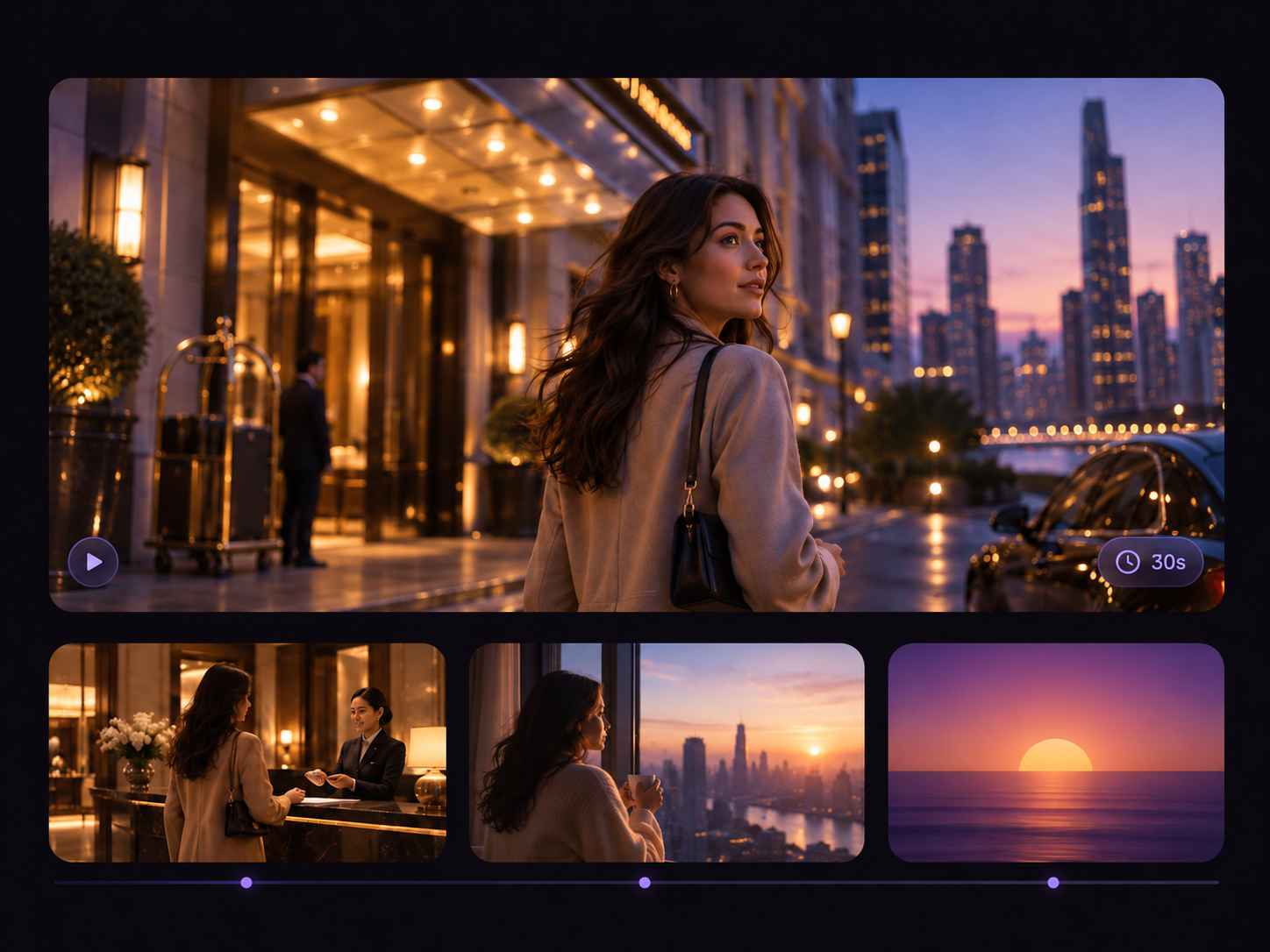
A short clip can show an idea, but it does not always leave room for a story. With Seedance 2.5, you can generate up to 30 seconds in one video, giving your scene space to open naturally, build momentum, and reach a clear ending. Start with a character arriving somewhere, reveal a product at the right moment, or let a visual idea develop instead of rushing through it.
Show the Details You Cannot Put Into Words
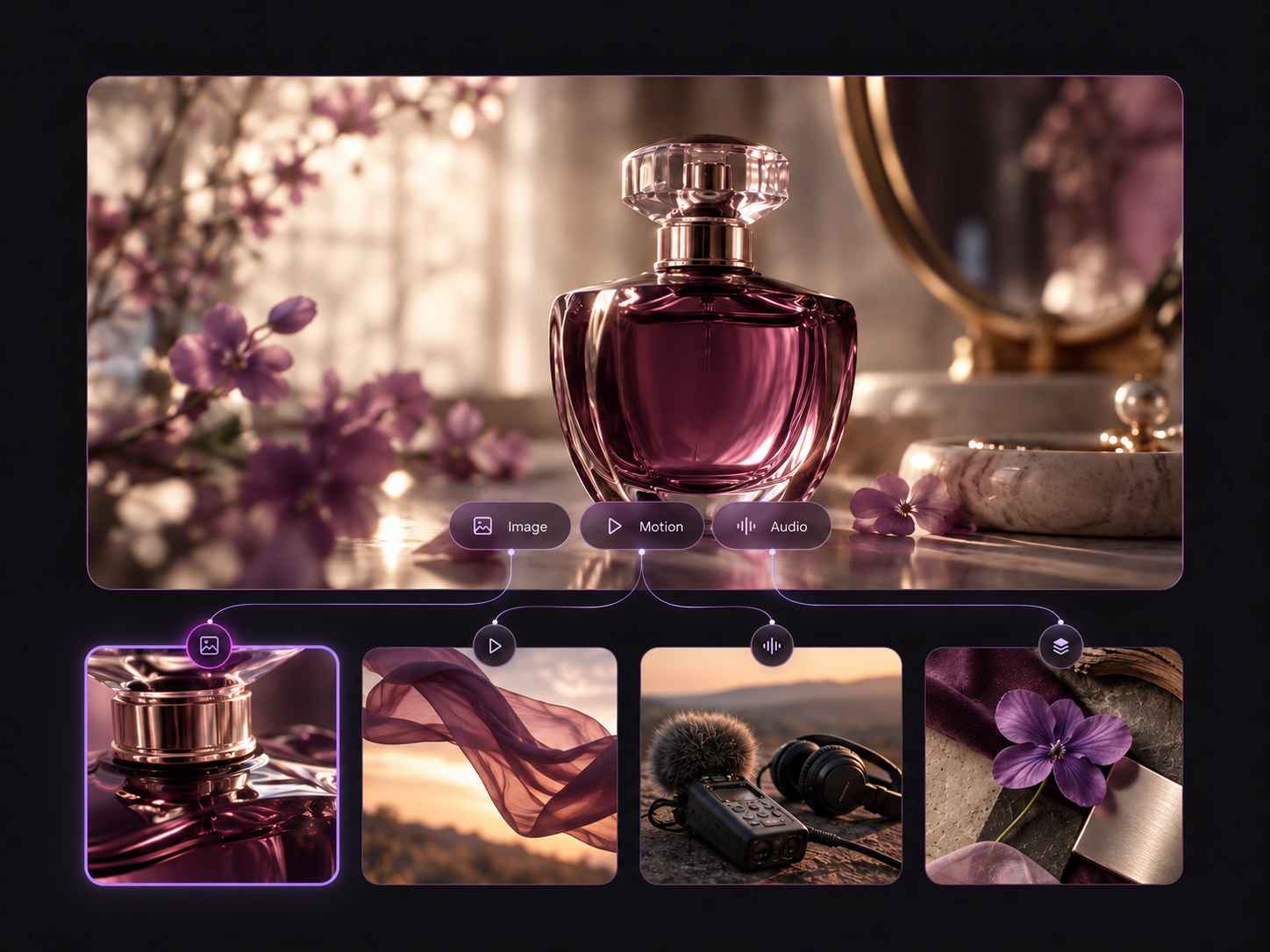
Sometimes a prompt is not enough to explain the person, product, movement, camera feel, and sound you have in mind. Seedance 2.5 lets you bring up to 50 references into one generation, including images, video clips, and audio files. Use a product photo to guide the subject, a video clip to suggest motion, and audio to help shape the atmosphere around the scene.
Shape a Sequence, Not Just a Single Shot
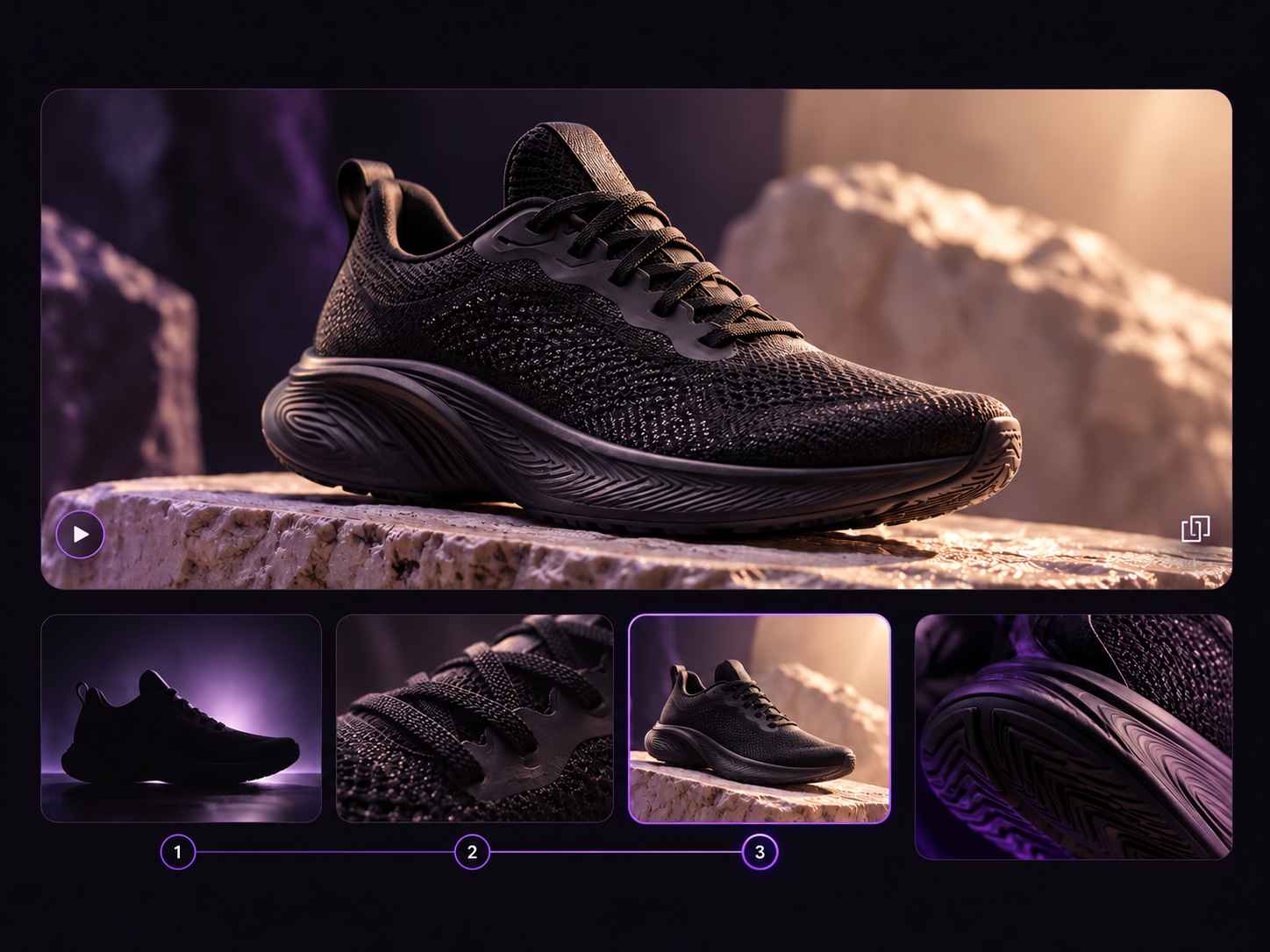
A good video often needs more than one striking frame. Describe how the scene begins, what changes as it unfolds, and where you want the viewer to end up. Seedance 2.5 gives you room to guide a product reveal, a character moment, a change of location, or several connected beats with a clearer sense of pacing and direction.
Keep Building After the First Version
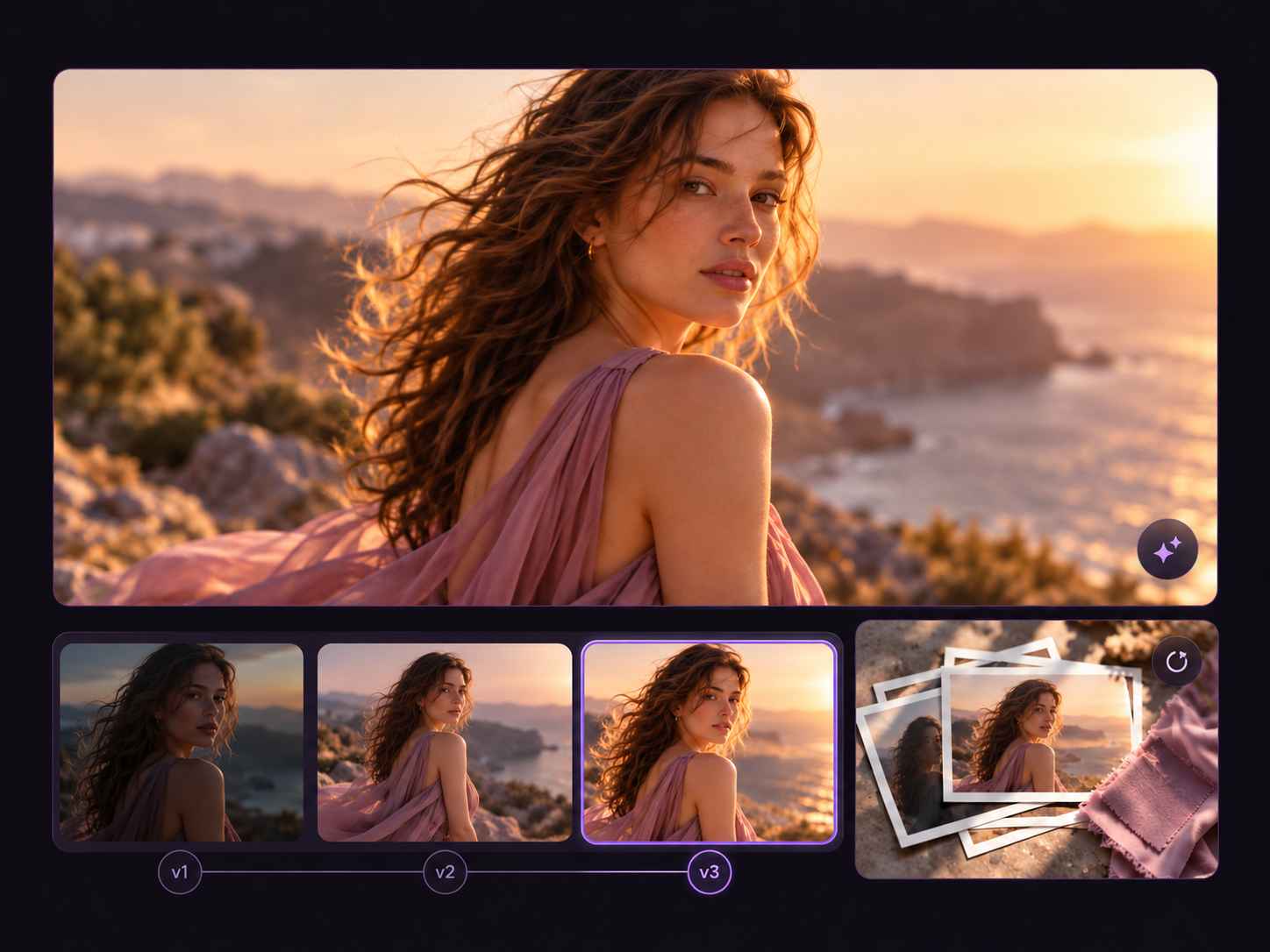
The first result is often where the real creative work begins. Review the video, then use available extension and editing tools to continue developing the idea. Try a different ending, explore another direction, or build on a moment that already works. It is an easier way to keep shaping a concept without treating every new version as a completely new start.
Why Creators Pick the Seedance 2.5 AI Video Generator
Not another prompt roulette machine — a production tool with the controls you actually need for finished work.
30 Seconds, One Prompt
Get a full 30-second take in a single pass instead of stitching six short clips together and hoping the seams hold.
Bring Your Ideas to Life in 720p
Turn your concept into a video you can preview, refine, and share. Generate clips up to 720p for social posts, product demos, and visual storytelling.
Up to 50 References
Feed in images, video clips and audio at once to lock style, subject, motion and sound before you generate.
Audio in the Same Pass
Dialogue, ambience and effects arrive already synced, with lip-sync matched in 10+ languages.
Fix the Frame, Keep the Take
Timestamp and region-level editing means you repair the one broken second instead of regenerating everything.
Extend Any Scene
Continue a clip past 30 seconds and connect shots while characters, lighting and motion stay continuous.
How to Use Seedance 2.5
No timeline, no plugins, no render farm — three steps from an idea to a downloadable clip.
Tell Us What Happens
Start with a simple idea. Describe the opening, the action, and how you want it to end. Try a product reveal, a character scene, or a few shots that tell a story.
Show the Style You Want
Add images, video clips, or audio to show the look, movement, and sound you’re after. Tell Seedance how to use them, then choose your video length, aspect ratio, and resolution up to 720p.
Watch It Come Together
Generate your video and see how it plays out. Happy with the result? Download it. Want to change something? Tweak your prompt and try another version.
What You Can Create with Seedance 2.5
The 30-second limit plus 720p output is what unlocks these workflows.
Hero Spots
One continuous 30s brand film — no jump-cut stitching, no continuity drift.
Beat-Matched Videos
Reference the track and let camera cuts and motion land on the beat.
Pre-Vis & Pitch
Block long takes, test camera language and show clients the intended look.
Motion Transfer
Re-render a reference performance on a brand-new character and scene.
Seedance 2.5 vs Seedance 2.0
Three tiers, three jobs. Route by clip length, resolution and reference load — not just by the newest badge.
| Capability | Seedance 2.5 | Seedance 2.0 | Seedance 2.0 Mini |
|---|---|---|---|
| Max clip length | Up to 30 seconds per generation | Up to 15 seconds per generation | 4–15s |
| Resolution | Up to 720p | Up to 4K | Only 480p and 720p |
| Reference input | Up to 50 files: 30 images, 10 videos & 10 audio files | Up to 15 files: 9 images, 3 videos & 3 audio files | Multimodal reference supported, cap not officially disclosed |
| Audio | Synced audio & lip-synced dialogue | Synced audio & lip-synced dialogue | Synced audio supported |
| Best for | Longer stories & multi-shot sequences | Short clips & higher-resolution visuals | Fast drafts & high volume |
Seedance 2.5 Free & Unlimited Plans
Start with Seedance 2.5 free — no credit card, no watermark. When you publish daily, switch to the Seedance unlimited plan and stop counting generations.
- Free daily generations
- Text, image & reference modes
- Standard resolution output
- No credit card required
- Unlimited Seedance 2.5 generations
- Video output up to 720p
- Text, image & reference inputs
- Flexible duration & aspect ratio
- Everything in Unlimited
- Shared team workspace
- Batch & API-friendly workflows
- Dedicated support
Seedance 2.5 FAQ
The questions people ask before their first generation.
What is Seedance 2.5?
What is the difference between Seedance 2.5 and Seedance 2.0?
Is Seedance 2.5 free to use?
Is there a Seedance 2.5 unlimited plan?
How long can a Seedance 2.5 video be?
What resolution does Seedance 2.5 support?
Can I use my own images, videos, and audio as references?
Does Seedance 2.5 generate audio and lip-sync?
Will my Seedance 2.5 download have a watermark?
Can I use Seedance 2.5 videos for commercial projects?
Generate Your First Seedance 2.5 Clip
30 seconds in one pass, native 720p, native audio. Free to start, unlimited when you need it — no credit card required.