
The Seedance 2.0 Free AI Video Generator
Turn text, images, video clips and audio into crisp, up-to-15-second video with synced sound and lip-sync. Start free on SeedanceHub — then move to a Seedance 2.0 unlimited plan when you publish every day.
Start Creating for Free with Seedance 2.0
Describe the shot, upload your references and generate. Seedance 2.0 keeps subject, style and motion consistent across the clip — then extend or edit just the part you want to change.
What Seedance 2.0 Can Do
The balanced Seedance model — fast, reliable, and sharp enough for everyday social and product video.
Turn a Rough Idea into a Video You Can See
A product photo, a character sketch, or a few lines of an idea can be enough to get started. Seedance 2.0 turns text and images into moving scenes, helping you explore a concept before spending time on filming or detailed editing. Describe what should happen, choose the mood, and see how the idea works on screen. Use the first result to spot what is missing and refine your next version.
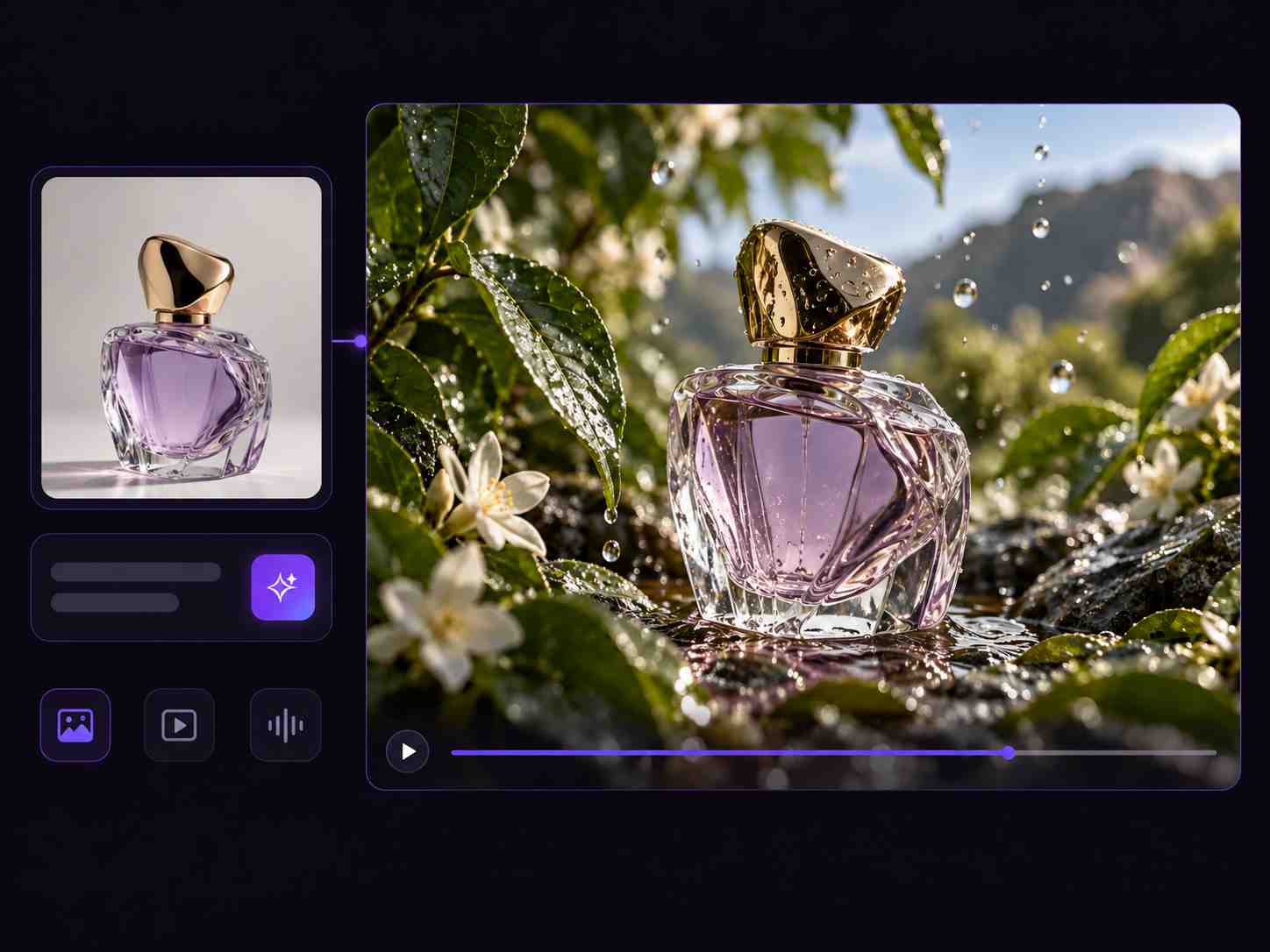
Show What You Mean with Images, Video, and Audio
Finding the right words for a particular look or movement can take longer than finding an example. Bring your own references into Seedance 2.0 to make your direction easier to communicate. A photo can guide the subject’s appearance, a clip can show the movement you want, and audio can help establish the rhythm. Explain what matters in each reference so you can spend less time describing every detail from scratch.
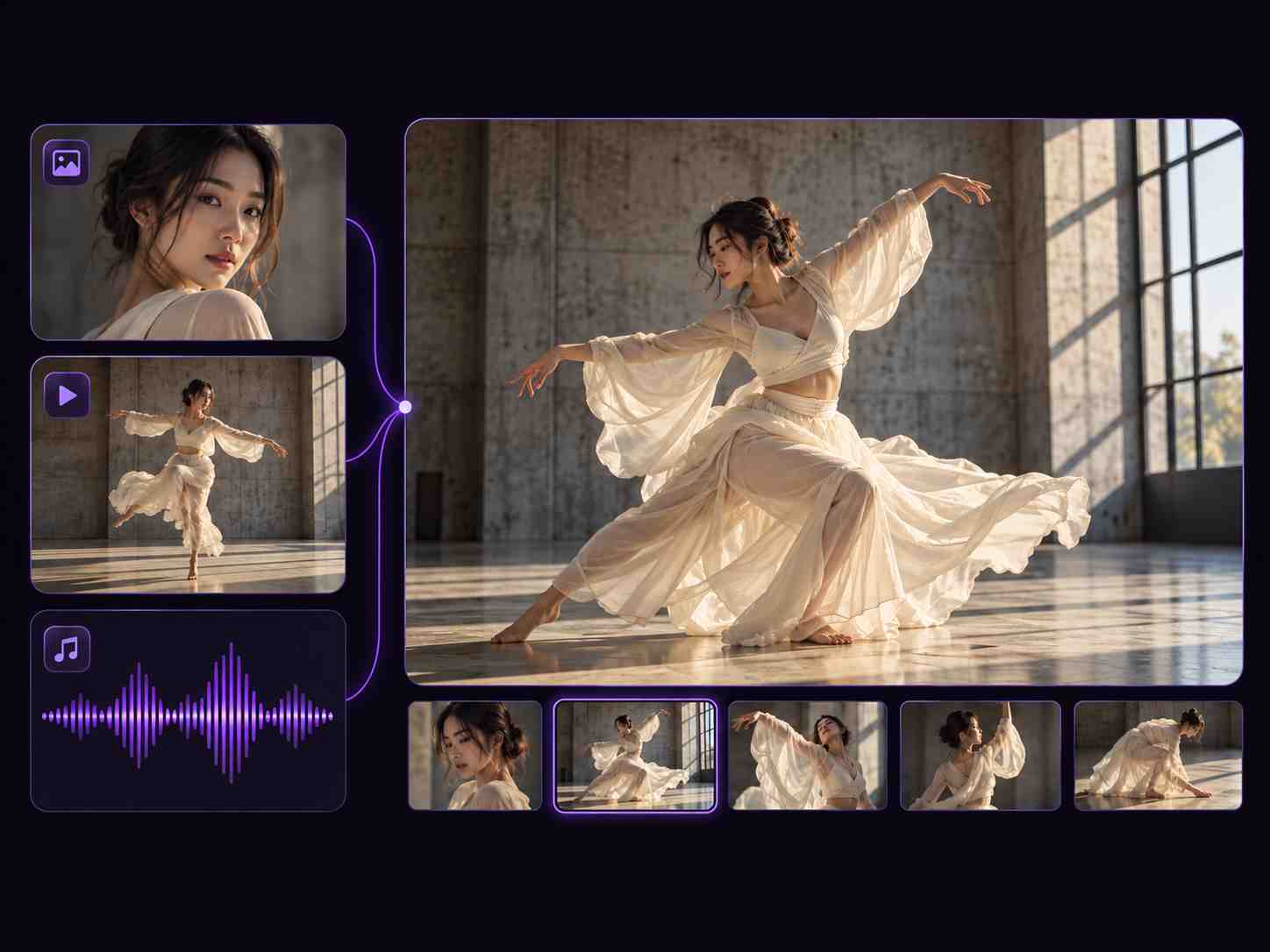
Give Your Scene the Movement It Needs
A strong image can still feel flat when the subject barely moves or the camera takes the wrong direction. Guide both the action and the framing to give your video a clearer purpose. Move closer to reveal a product detail, follow a character through a scene, or use a reference clip to demonstrate a more complex motion. Adjust the pace and camera instructions between versions until the shot better reflects your idea.
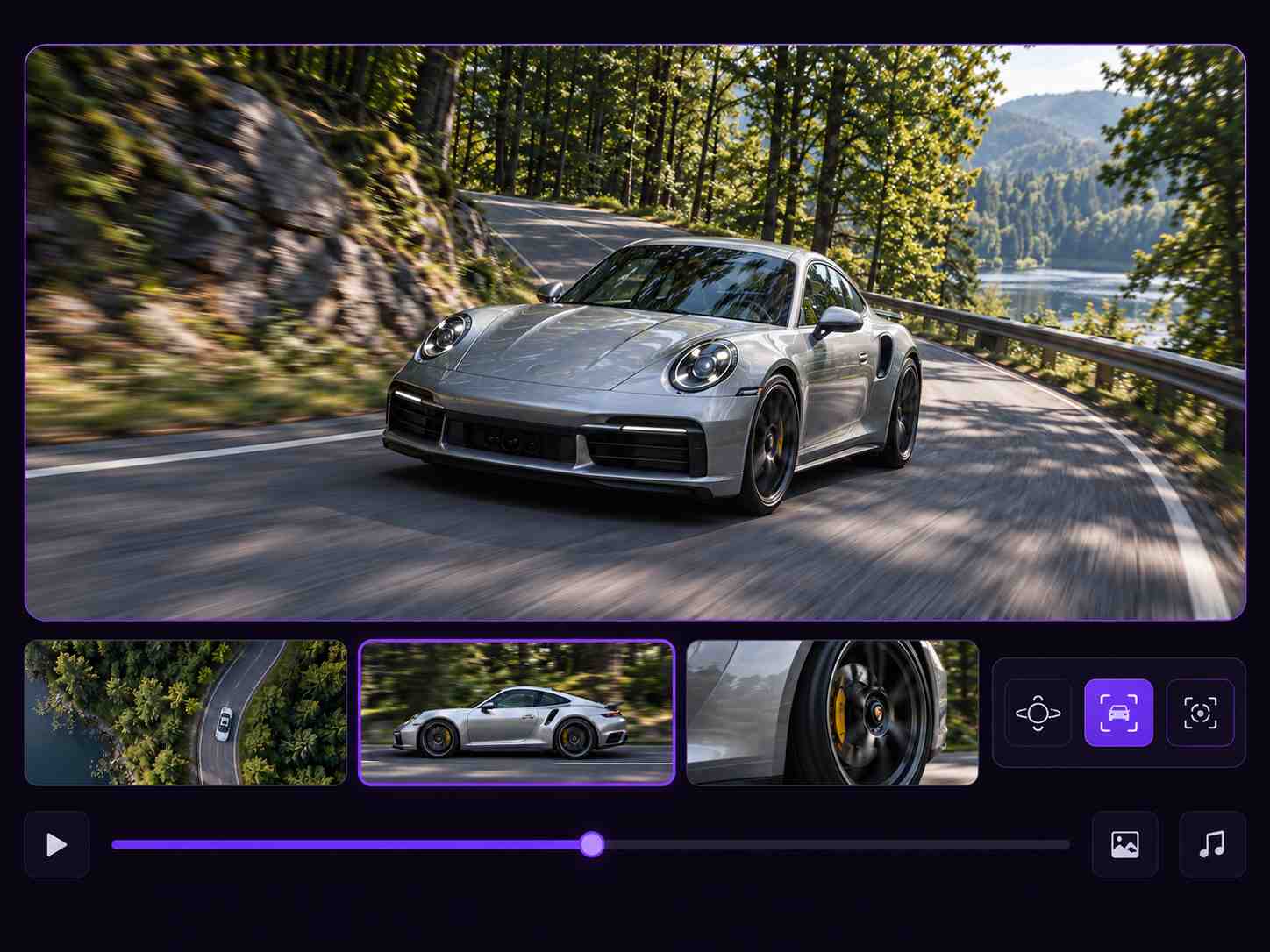
Make Sound Part of the Story from the Start
A conversation needs a voice, a busy street needs atmosphere, and a product reveal may need a well-timed sound effect. Seedance 2.0 generates video and synchronized audio together, reducing the need to assemble every sound separately. Include dialogue, ambient noise, and key effects in your prompt to shape how the scene feels. For speaking characters, specify the lines and language, then review the delivery and lip-sync alongside the visuals.
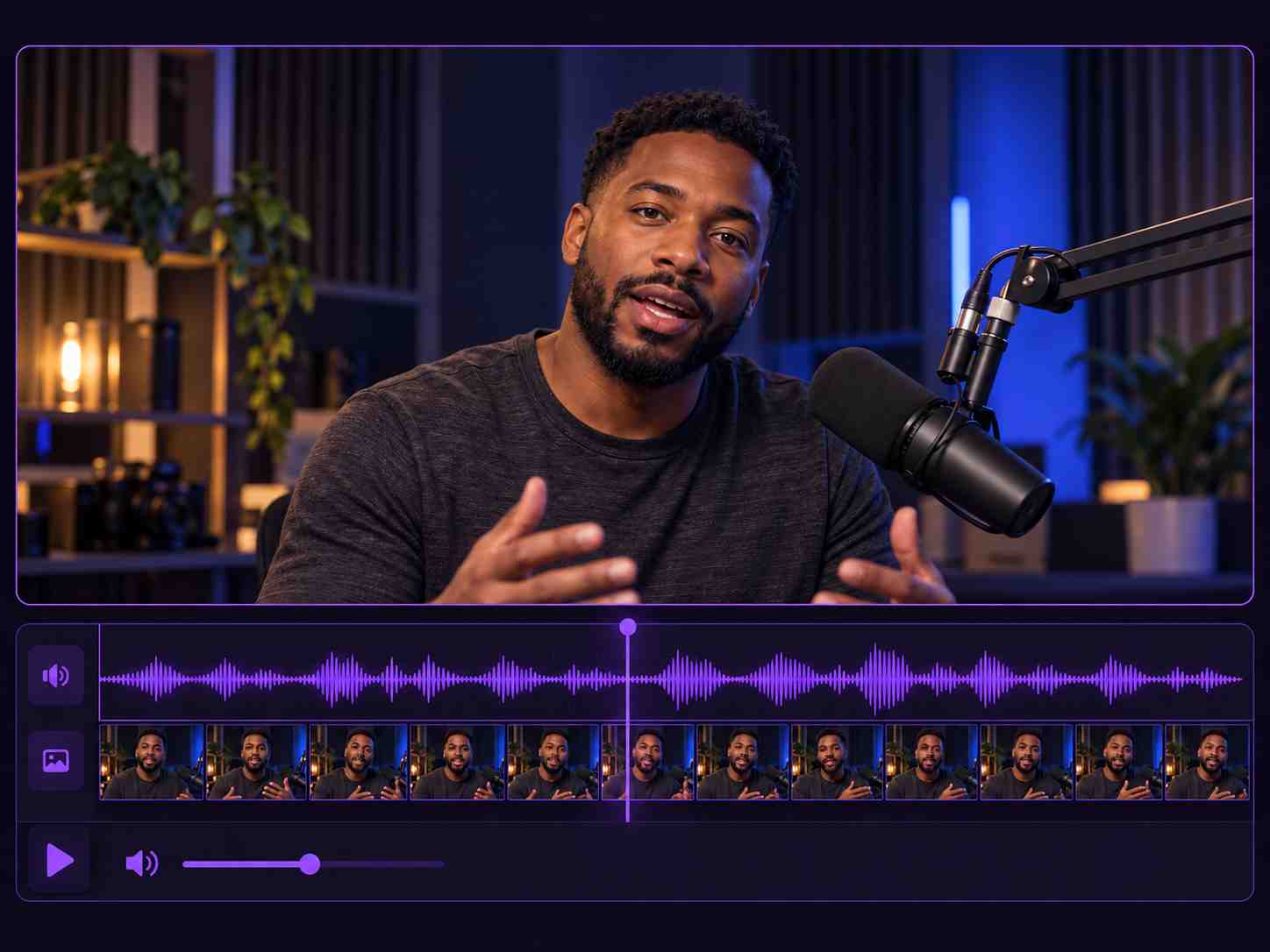
Why Creators Pick the Seedance 2.0 Free AI Video Generator
The model most teams reach for when they need reliable, on-brand clips every single day.
Strong Subject Consistency
Faces, clothing, text and visual style hold steady across the clip, so your character or product looks the same in every frame.
Up to 4K Video Output
Create videos in up to 4K resolution for sharper detail on social media, product pages, and larger screens. Choose the resolution that fits your project.
Native Audio & Lip-Sync
Dialogue, ambience and effects arrive already synced, with lip-sync matched across 10+ languages for voiceovers.
Up to 15 References
Combine images, video clips and audio — 9 images, 3 videos and 3 audio files — to lock style, subject and sound in one go.
Region & Extension Editing
Fix a specific region or extend the scene past 15 seconds while characters and motion stay continuous — no full re-render.
Fast & Predictable
Optimised for throughput, so an everyday 4K clip renders quickly and on a schedule — the safe default for daily publishing.
How to Use Free Seedance 2.0
No timeline, no plugins, no render farm — three steps from an idea to a downloadable clip.
Upload References
Add up to 15 assets — 9 images, 3 videos and 3 audio files — and mark what drives subject, motion, camera or sound.
Describe the Shot
Write the scene in plain language, set duration up to 15s and pick your resolution and aspect ratio.
Generate & Download
Generate your video, preview the result, then extend or edit a selected area as needed. Download in up to 4K resolution with full commercial rights.
What You Can Create with Free Seedance 2.0
The 15-second 4K sweet spot is what these everyday workflows depend on.
Short-Form Clips
Vertical reels, TikToks and Shorts in one consistent 15-second take — brand-ready out of the box.
Product Demos
Animate a still product shot and keep the packaging and label perfectly consistent across the clip.
Talking Avatars
Lip-synced dialogue in 10+ languages, with the face and outfit held steady the whole time.
Ad Variations
Batch-generate ten cuts from one prompt and one reference set to A/B test fast.
Seedance 2.0 vs Seedance 2.5
Three tiers, three jobs. Route by clip length, resolution and reference load — not just by the newest badge.
| Capability | Seedance 2.5 | Seedance 2.0 | Seedance 2.0 Mini |
|---|---|---|---|
| Max clip length | Up to 30 seconds per generation | Up to 15 seconds per generation | 4–15s |
| Resolution | Up to 720p | Up to 4K | Only 480p and 720p |
| Reference input | Up to 50 files: 30 images, 10 videos & 10 audio files | Up to 15 files: 9 images, 3 videos & 3 audio files | Multimodal reference supported, cap not officially disclosed |
| Audio | Synced audio & lip-synced dialogue | Synced audio & lip-synced dialogue | Synced audio supported |
| Best for | Longer stories & multi-shot sequences | Short clips & higher-resolution visuals | Fast drafts & high volume |
Seedance 2.0 Free & Unlimited Plans
Start with Seedance 2.0 free — no credit card, no watermark. When you publish daily, switch to the Seedance unlimited plan and stop counting generations.
- Free daily generations
- Text, image & reference modes
- Standard 4K output
- No credit card required
- Unlimited Seedance 2.0 generations
- Video output up to 4K
- Text, image & reference inputs
- Flexible duration & aspect ratio
- Everything in Unlimited
- Shared team workspace
- Batch & API-friendly workflows
- Dedicated support
Seedance 2.0 FAQ
Find answers about free credits, video settings, reference inputs, and getting started.
Is Seedance 2.0 free to use?
Can I use Seedance 2.0 without signing up?
Is there a Seedance 2.0 unlimited plan?
How long can a Seedance 2.0 video be?
What is the difference between text to video, image to video, and reference to video?
Can I use a reference video to guide motion or camera movement?
Does Seedance 2.0 generate audio and lip-sync?
Can I keep the same character across multiple videos?
What should I include in a Seedance 2.0 prompt?
Can I create vertical and horizontal videos?
Generate Your First Seedance 2.0 Clip
Up to 15 seconds, crisp 4K, native audio with lip-sync. Free to start, unlimited when you need it — no credit card required.